How-To Guides
Uber Ride Refund Not Received: How to Track Your Refund
Follow up on an approved refund, canceled authorization or unresolved refund request using your receipt and bank records.
Independent Uber troubleshooting for riders and drivers
Independent US rideshare help
Find practical steps for payment problems, pickup locations, login codes, driver payouts and navigation. Compare common symptoms, use our free calculators and find the official support channel when you need it.
Not affiliated with Uber. For account or trip assistance, visit official Uber Help.
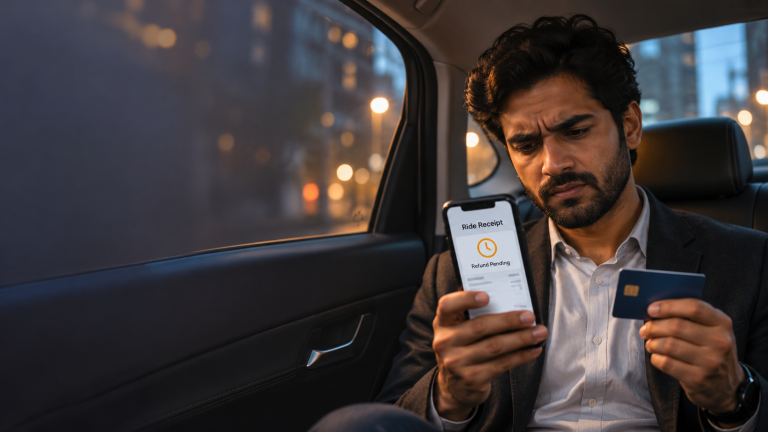
Follow up on an approved refund, canceled authorization or unresolved refund request using your receipt and bank records.
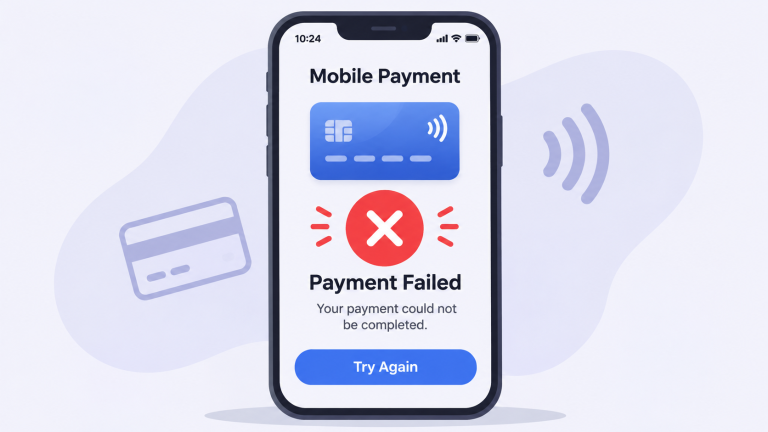
Understand why a payment can fail and how to check your card, outstanding balance and bank authorization before retrying.
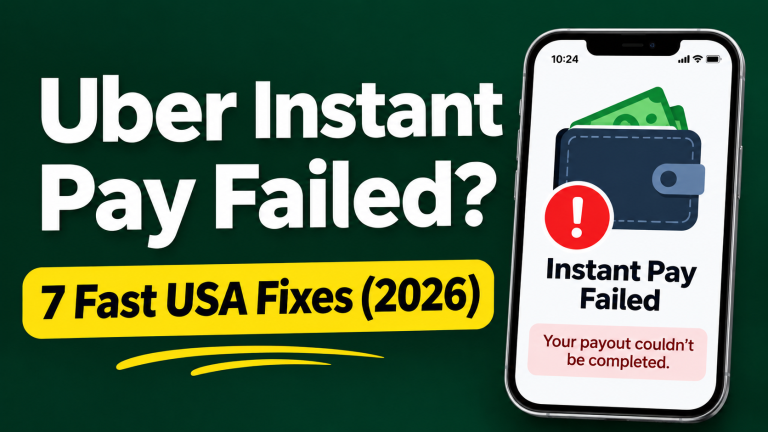
Review available earnings, debit card eligibility and cash-out status before contacting Uber or your bank.
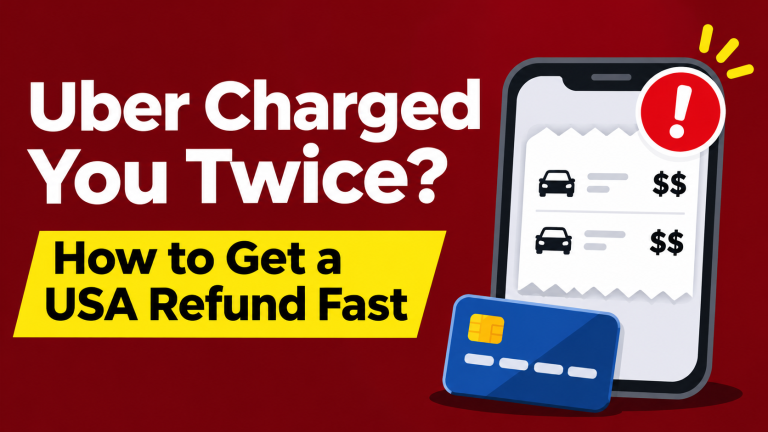
Distinguish temporary authorization holds from duplicate completed charges and prepare a refund request if necessary.
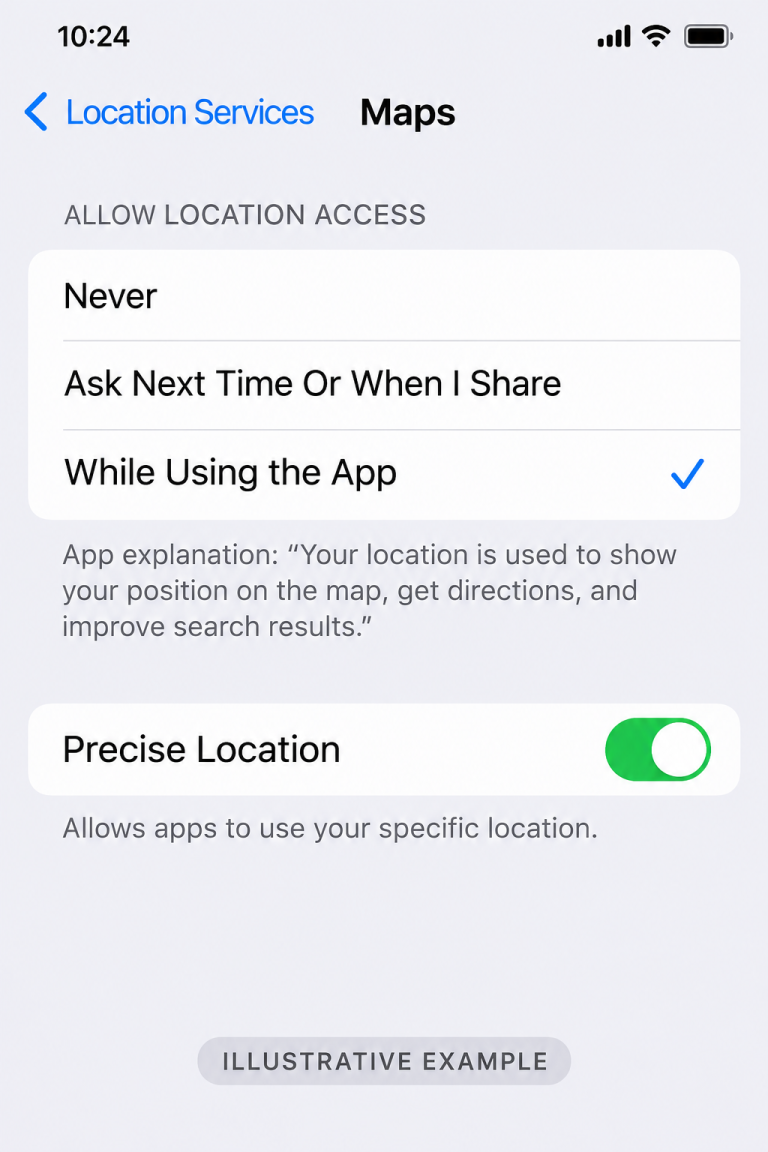
Check your pickup pin, phone location permission and designated pickup zone before requesting a ride.
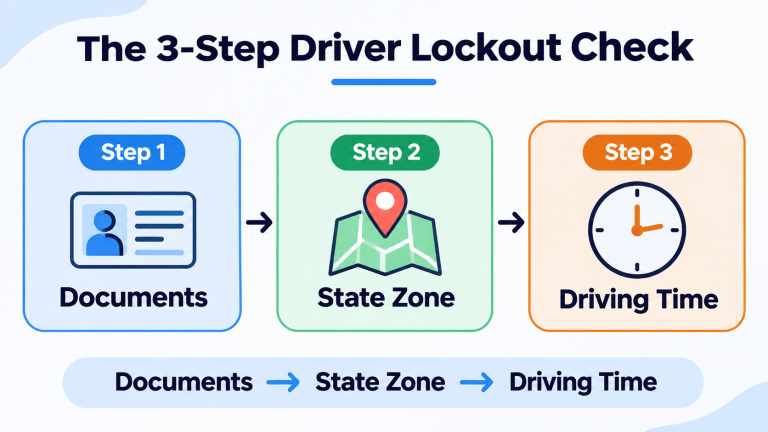
Identify account restrictions, service area issues and connection problems that may prevent going online.
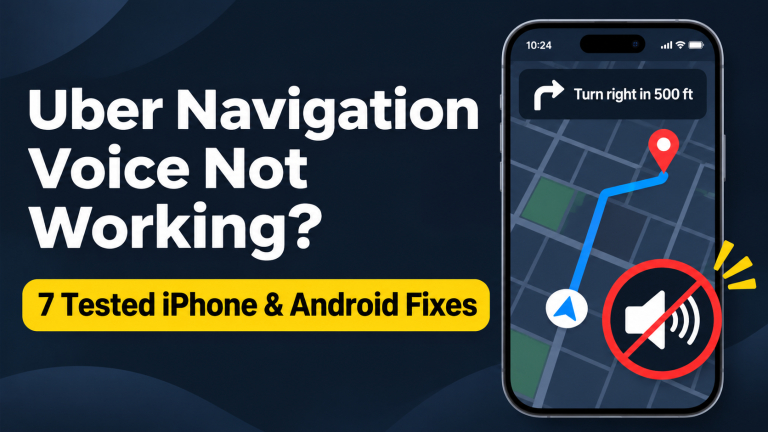
Troubleshoot muted turn-by-turn directions, media volume and Bluetooth audio while safely parked.

Check promo restrictions, redemption status and the final receipt before reporting a missing discount.
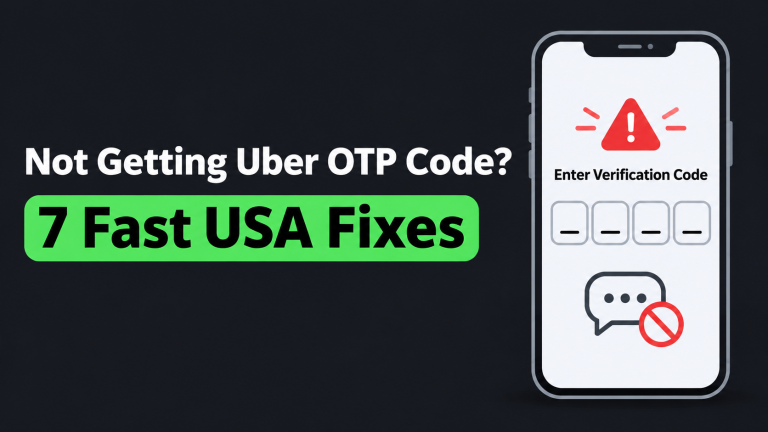
Check the phone number, SMS filters, network and official account recovery options without sharing a verification code.
Each guide starts with a practical diagnosis, links to related topics and directs you to official support. App features and local eligibility can change. Our guides are not represented as firsthand device tests unless evidence is documented.
Found an outdated instruction? Tell the editor. Read our editorial policy and corrections policy.