How to Fix Uber Payment Declined Error in the USA (7 Working Solutions)
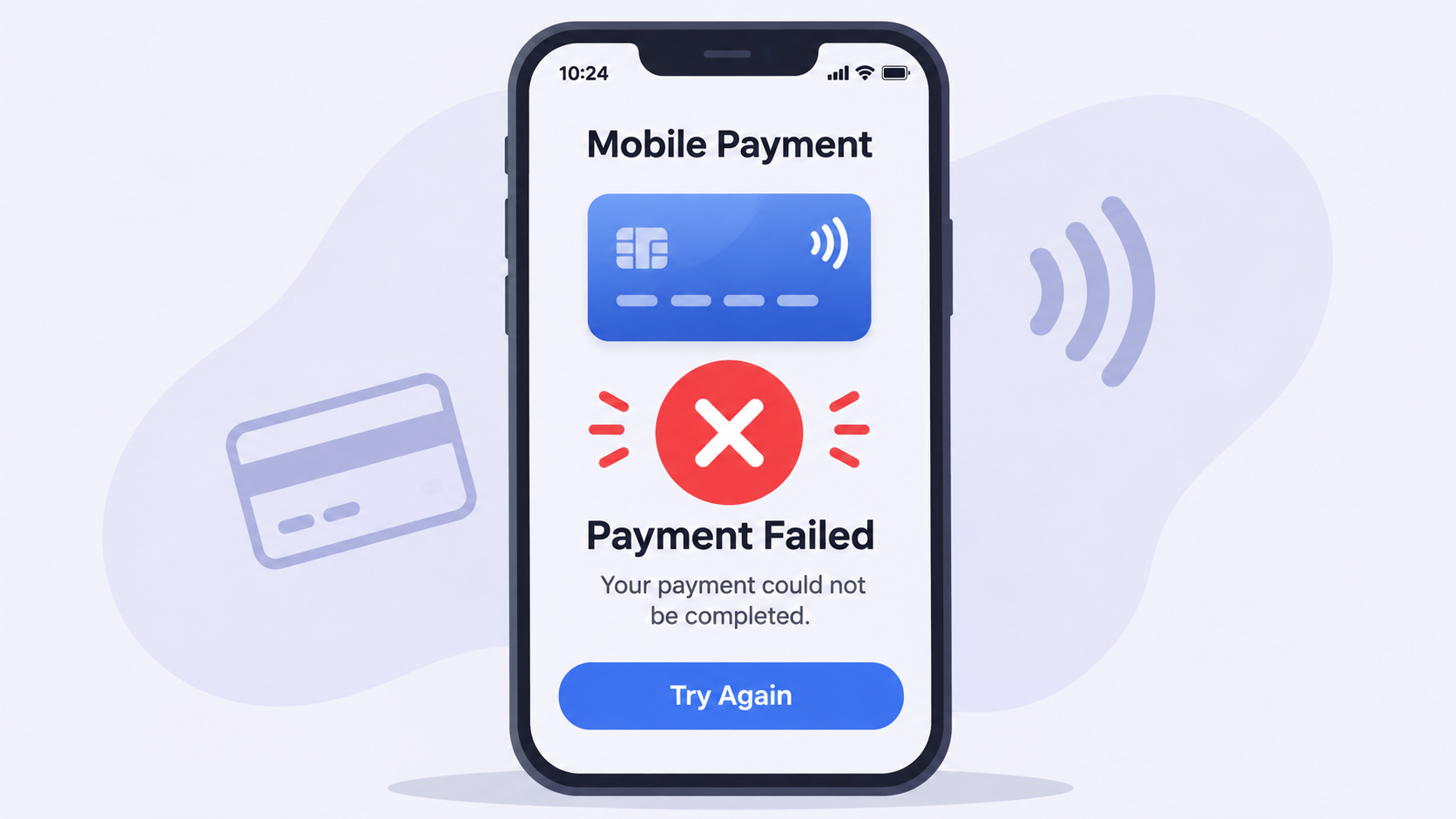
Booking a transport in the United States is an risk experience, particularly when you are in a fast, as i may receive an error message stating that my payment method was declined or that there was an issue with the processing of i payment. The Uber passenger app may still obstruct my card due to security triggers, billing zip code discrepancies, or bank pre-authorization regulations, even if i aware that my bank account has an abundance of funds.
The following are the most prevalent causes of this issue in the United States, as well as seven step-by-step solutions to expedite the booking process.
What is the reason for Uber’s refusal to accept a valid card in the United States?
Before altering your parameters, it helps to comprehend why the transaction failed:
• transient Pre-Authorization Holds: Uber places a transient hold for the estimated trip fare before matching you with a driver. These pending holds are routinely blocked by certain regional US credit unions and prepaid cards.
• AVS (Address Verification System) Mismatch: Payment processors in the United States conduct a rigorous verification of your five-digit invoicing postal code. The charge will be unsuccessful if your Uber profile still contains your previous postal code, even if you have relocated recently.
• Triggers for Fraud Protection: Your bank may flag the charge as suspicious activity if you book a ride in a new US city or airport late at night..
• Unsettled Pending Balances: If your previous trip had a tip or toll adjustment that failed to clear, Uber will restrict your account from requesting new rides until that balance is paid.
7 Ways to Fix the Uber Payment Declined Error
Follow these steps in order from the shortest remedy to thorough account inspections.
1. Check for an Unpaid Balance From a Past Ride
If your last journey ended normally, you might still due a small amount from a post-ride tip or a city toll charge that did not go through.
1. Open the Uber app and select Account in the bottom right corner.
2. Select Wallet.
3. Look at the top of the screen for a red alert banner displaying an Unsettled Balance or Past Due Amount.
4. Tap Pay Now using an active payment method to activate your account.
2. Verify Your 5-Digit Billing Zip Code
Many US users update their card expiration date inside the app but neglect to update the invoicing postal code after moving.
1. Go to Account > Wallet in the Uber app.
2. Tap the credit or debit card that is malfunctioning.
3. Tap Edit (or the pencil icon in the upper corner).
4. Confirm that the 5-digit US Zip Code matches the exact invoicing address on your bank statement.
5. Save the adjustments and attempt requesting your transport again.
3. Switch to Apple Pay, Google Pay, or PayPal
If your physical debit or credit card continues getting blocked by Uber’s payment processor, routing the exact same card through a digital wallet often bypasses the error.
1. Open Account > Wallet.
2. Tap Add Payment Method.
3. Choose Apple Pay, Google Pay, PayPal, or Venmo.
4. Link your preferred US bank account or card through that wallet and select it before verifying your retrieval.
4. Check If You Are Using an Unsupported Prepaid Card
In the United States, Uber does not accept many non-reloadable prepaid gift cards (such as standard Visa or Mastercard gift cards purchased at grocery stores) because they cannot conduct post-trip tip adjustments.
• The Fix: Switch to a standard bank-issued debit card, a major credit card, or a verified PayPal/Venmo account. If you prefer using currency, you can also purchase an Uber Gift Card at a local US retailer and redeem the PIN directly inside your Uber Wallet.
5. Turn Off VPNs or Public Wi-Fi
Using a VPN that routes your internet connection outside the United States—or even to a different state—can activate Uber’s automated security system to block your payment.
• Disconnect any active VPN applications on your iPhone or Android device.
• Switch from airport or hotel Wi-Fi to your mobile cellular data (4G/5G), then force-close and reopen the Uber app.
6. Clear Outdated Cards From Your Wallet
Having multiple expired cards recorded in your Uber Wallet can occasionally cause payment token conflicts during purchase.
1. Open Account > Wallet.
2. Tap on any expired or unused cards.
3. Scroll down and select Remove Payment Method.
4. Keep only one or two active payment options stored.
7. Contact Your Bank to Lift a Merchant Block
If none of the steps above work, your US bank or credit union has likely placed an automated block on Uber transactions.
• Check your text messages or banking app for a Fraud Alert asking you to reply “YES” to confirm an Uber charge.
• Call the customer service number on the back of your card and ask the representative to whitelist Uber Technologies for pre-authorization holds.
Frequently Asked Questions
Why does Uber say my payment method is invalid when I have money?
This usually happens because your bank is barring temporary pre-authorization holds, your 5-digit billing postal code does not match your bank records, or you are using a non-reloadable prepaid gift card.
Can I pay cash for an Uber in the USA?
In almost all US cities, Uber does not take physical currency directly from passengers. However, you can pay with cash at a local store (like CVS, Walgreens, or Walmart) to purchase an Uber Gift Card and add the balance to your app.
How long does it take for an Uber payment hold to disappear?
If a ride was canceled or a payment failed, temporary pending holds typically drop off your US bank statement within 3 to 5 business days, depending on your bank’s processing speed.